

Introduction
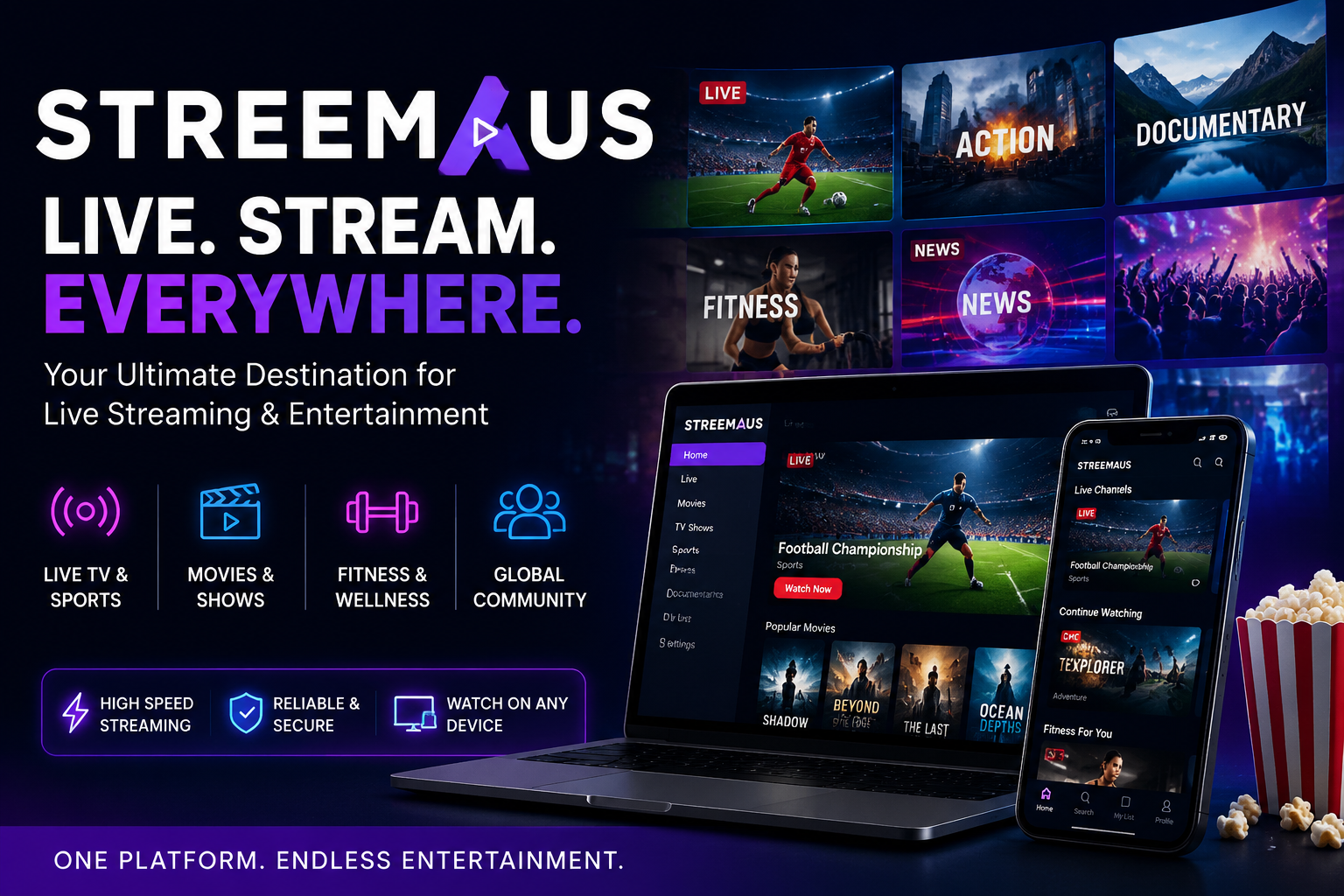
In the fast-paced world of live streaming, finding a platform that combines simplicity, versatility, and reliability is key. Whether you’re a content creator looking to expand your reach, a business promoting your products, or an educator engaging with students, Streemaus is a revolutionary streaming tool that transforms the way you connect with your audience. Unlike traditional streaming platforms, Streemaus allows you to broadcast live audio and video to multiple destinations simultaneously, without the complexity of other solutions. But what exactly makes Streemaus the go-to choice for so many? Let’s dive in.
Key Features of Streemaus
1. Multi-Platform Syndication: Broadcast Everywhere
One of Streemaus’s most compelling features is its ability to stream to multiple platforms at once. Imagine broadcasting your live video to YouTube, Facebook, Twitch, and custom RTMP destinations all at the same time. Whether you’re hosting a webinar, a live event, or a podcast, Streemaus makes it easier than ever to reach your audience where they already are.
2. Seamless Setup and User Experience
Streemaus is designed with simplicity in mind. You can go live with minimal setup in just a few clicks. No need for complex encoders or expensive hardware. Whether you’re a solo creator or a small business, you’ll find that the platform’s intuitive interface makes it easy to manage your live stream and audience interactions without needing a tech team.
3. Real-Time Analytics: Stay Informed
Streemaus gives you valuable insights into your streaming performance. Its real-time analytics dashboard tracks your viewers’ behavior across multiple platforms. From average watch time to engagement metrics, you’ll know exactly how your stream is performing and where you can improve.
4. Adaptive Bitrate for Optimal Streaming Quality
Buffering and lag are a thing of the past with Streemaus. Thanks to its adaptive bitrate feature, the platform automatically adjusts your video quality based on the viewer’s internet speed. This ensures a smooth viewing experience, no matter where your audience is or what device they’re using.
How Streemaus Works: A Simplified Workflow
Step 1: Setup Your Streaming Project
Getting started with Streemaus is as simple as creating a new project, naming it, and choosing your destinations. Whether you’re streaming to your own website, YouTube, or other platforms, you can select multiple destinations with just a few clicks. Streemaus also lets you schedule your stream and set up a countdown page to engage your audience before the show begins.
Step 2: Configure Audio and Video Settings
Good quality audio and video are essential for an engaging live stream. Streemaus supports external microphones, high-definition cameras, and even stream overlays for that professional touch. Adjust your bitrate settings for optimal streaming quality—aim for 1080p with 4500–6000 kbps video for the best balance between clarity and stream stability.
Step 3: Go Live and Interact
Once everything is set, it’s time to go live. Streemaus integrates features like chat overlays, on-screen comments, and even moderation tools to help you manage live interactions. You can also use a stream delay for added moderation time, ensuring a smooth and safe experience for both you and your audience.
Who Can Benefit from Streemaus?
1. Content Creators
Whether you’re a solo creator streaming on YouTube or a podcaster interacting with your community, Streemaus makes it easier than ever to reach a larger audience. Broadcast across multiple platforms to maximize your visibility and increase your chances of discovery.
2. Businesses and Enterprises
For small businesses and larger enterprises, Streemaus is the perfect tool for live product launches, webinars, and online conferences. Its professional-grade streaming, combined with real-time analytics, allows you to measure success and fine-tune your approach.
3. Educators
Streemaus is also an excellent choice for educators who want to engage with students in live, interactive classes. With easy setup, clear audio, and multi-platform syndication, you can reach more students without the technical hurdles.
Streemaus Pricing: A Plan for Every Need
Streemaus offers flexible pricing to accommodate various needs and budgets. The free version allows for multi-platform streaming to two destinations, while paid plans offer additional features such as 4K streaming, AI analytics, and expanded streaming destinations. The Pro plan is perfect for content creators and businesses looking to scale up their streaming efforts and get detailed data insights.
Safety and Security: Stream with Confidence
Streemaus places a strong emphasis on security, ensuring that your streams are protected. With encrypted transport and optional watermarking, your content stays secure. Additionally, Streemaus provides role-based access for team members and comprehensive moderation controls to keep your audience safe.
Final Thoughts: The Future of Streaming with Streemaus
Streemaus is not just a streaming platform—it’s a solution for the future of live content creation. With its easy setup, high-quality streaming, and robust analytics, Streemaus empowers creators, businesses, and educators to reach their audiences like never before. Whether you’re streaming for fun, business, or educational purposes, Streemaus is the perfect tool to elevate your content.
FAQs about Streemaus
Q: Is Streemaus free to use?
Yes, Streemaus offers a free plan that allows you to stream to two destinations. Paid plans provide more features and additional destinations.
Q: How do I set up a live stream with Streemaus?
Setting up is simple! Create a new project, choose your destinations, configure your audio and video settings, and then go live.
Q: Can Streemaus stream in 4K?
Yes, Streemaus supports 4K streaming, but it is only available in the Pro plan.
Q: What devices can I use for streaming with Streemaus?
You can use Streemaus on your desktop, laptop, or mobile browser, making it highly flexible for any device.
Q: Is Streemaus safe to use?
Yes, Streemaus is a secure platform with encrypted transport and other privacy features to protect your stream.
